
Personal Finance,
Always In Sync
Track balances, log spending in seconds, and put recurring bills on autopilot. Your complete checkbook register and budgeting companion.
Available for iPhone & Android • Free with In-App Purchases
Everything you need to stay on top of your money
From daily transactions to monthly reports, LedgerFlow keeps the whole picture in view.
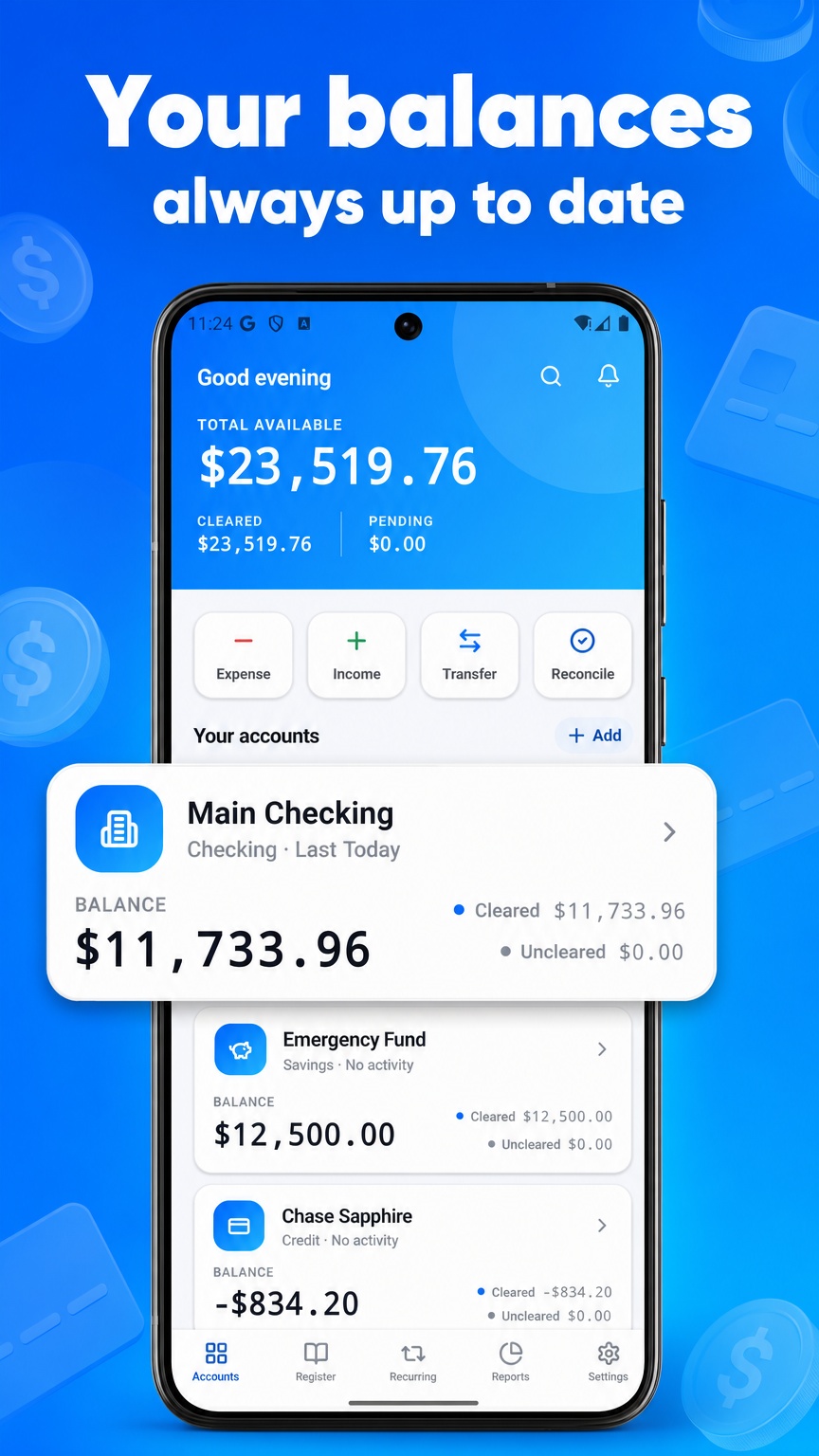
All Your Accounts
Checking, savings, credit cards — every balance updated in real time.
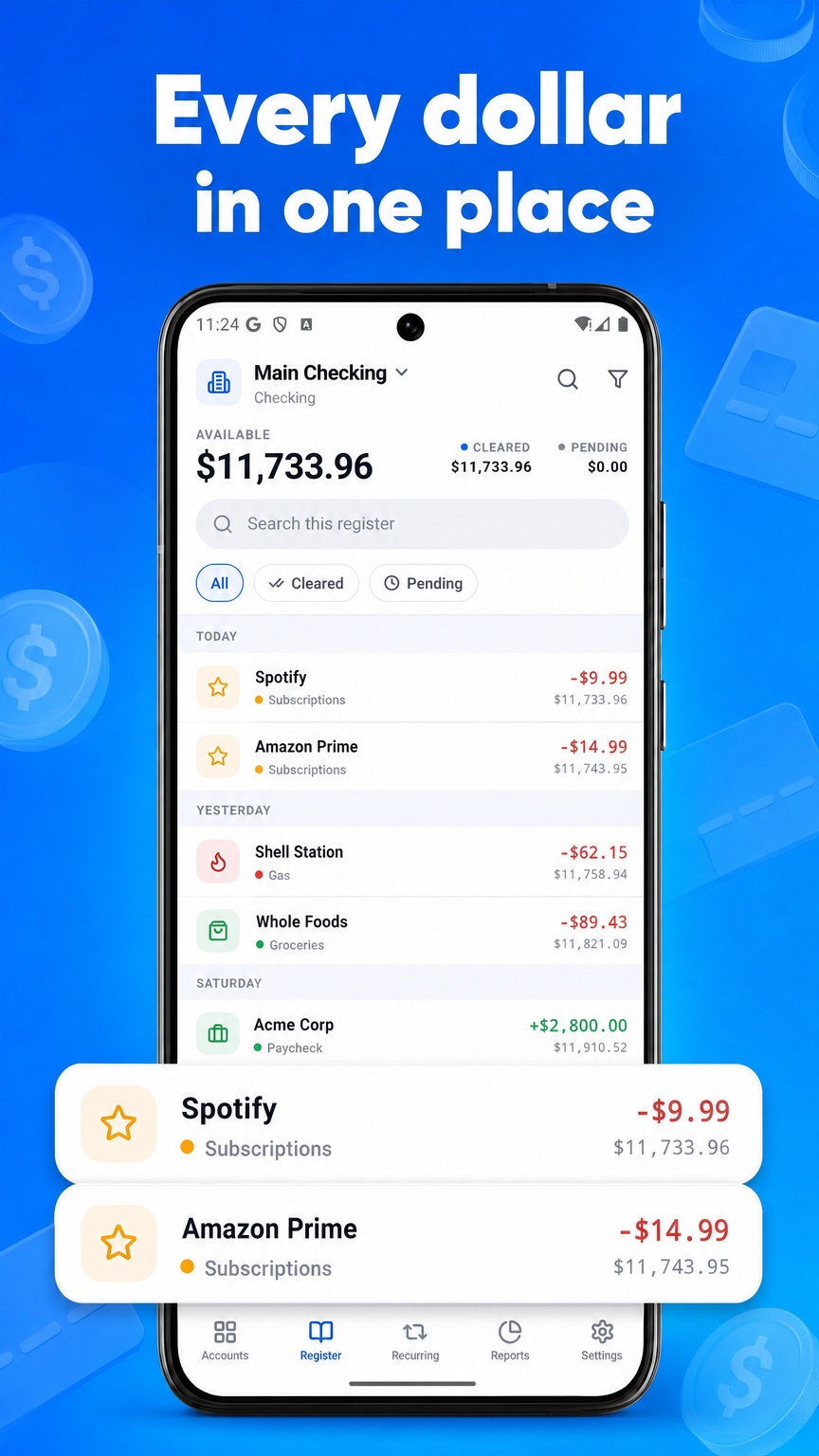
Log Spending in Seconds
A fast, frictionless flow for expenses, income, and transfers.
Recurring on Autopilot
Set bills and paychecks once. LedgerFlow posts them automatically.
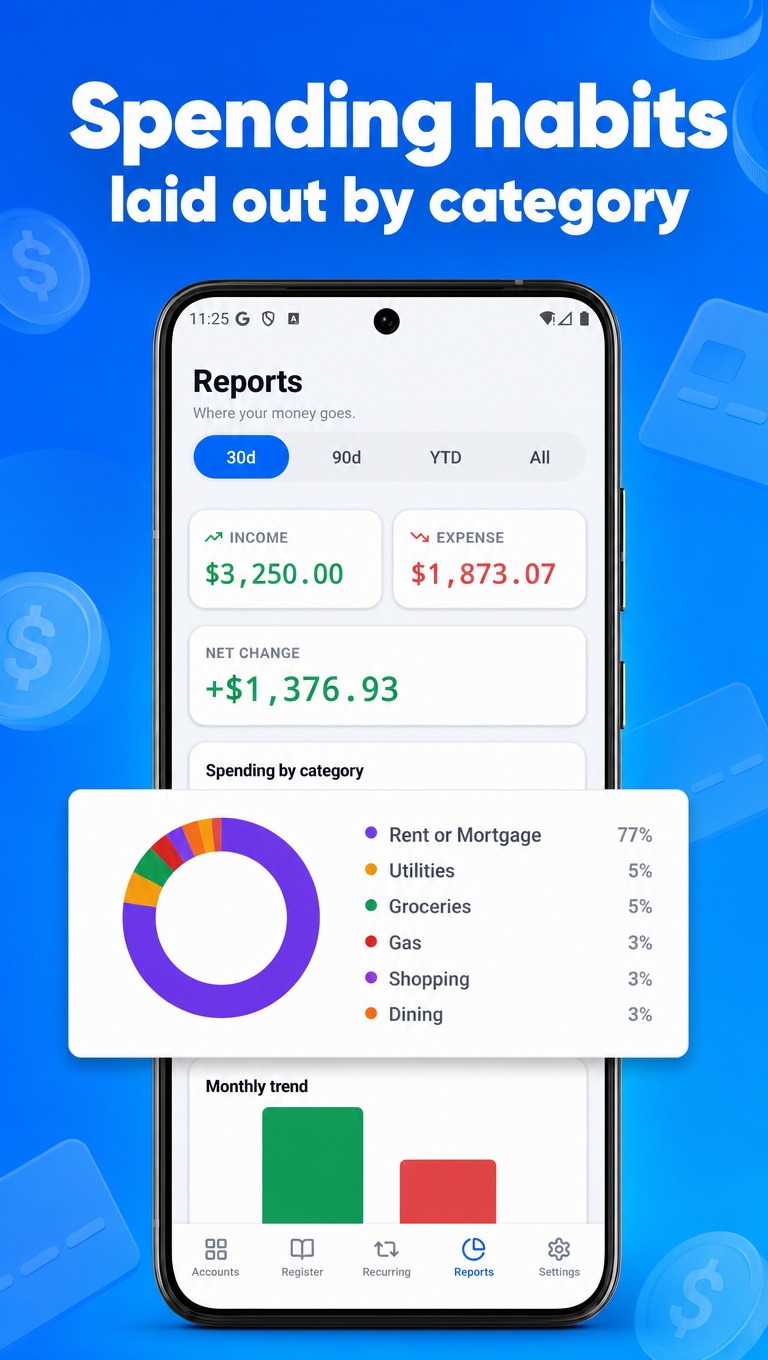
Reports That Make Sense
See where your money goes with clean category breakdowns and trends.
Private by Default
No bank connection and no account. Your data stays on your device, and you can export a backup anytime.
Built for Mobile
Polished native experience on iPhone and Android. No spreadsheets.
Frequently asked questions
Is LedgerFlow free?+
Yes. The free version covers the core register and transactions for up to two accounts. LedgerFlow Pro unlocks unlimited accounts, recurring transactions, reports, and statement reconciliation.
Do you connect to my bank?+
No. LedgerFlow is a manual checkbook register — you record transactions yourself. There is no bank login and no automatic import, which is exactly what makes the running balance reflect what you've actually committed rather than what has cleared.
Can I track multiple accounts?+
Yes. Add checking, savings, and credit accounts, each with its own register and running balance. The free version supports two accounts; Pro removes the limit.
Does it work offline?+
Yes. LedgerFlow works fully offline with no account and no sign-up — there's nothing to log into.
Where is my financial data stored?+
Entirely on your device. LedgerFlow has no servers and does not sync your data anywhere. You can export a CSV or a full JSON backup at any time through the share sheet, and restore from that backup later.
Can I reconcile against my bank statement?+
Yes, with Pro. Enter your statement's ending balance, tick off the transactions that cleared, and LedgerFlow shows a live difference until the two agree. Each reconciliation is saved to history.
Start managing your money better today
Join thousands tracking every dollar with LedgerFlow.